- Published on
One Customer, Three Tools: Following a Single Inquiry From First Call to Signed Contract
- Authors

- Name
- Vuk Dukic
Founder, Senior Software Engineer
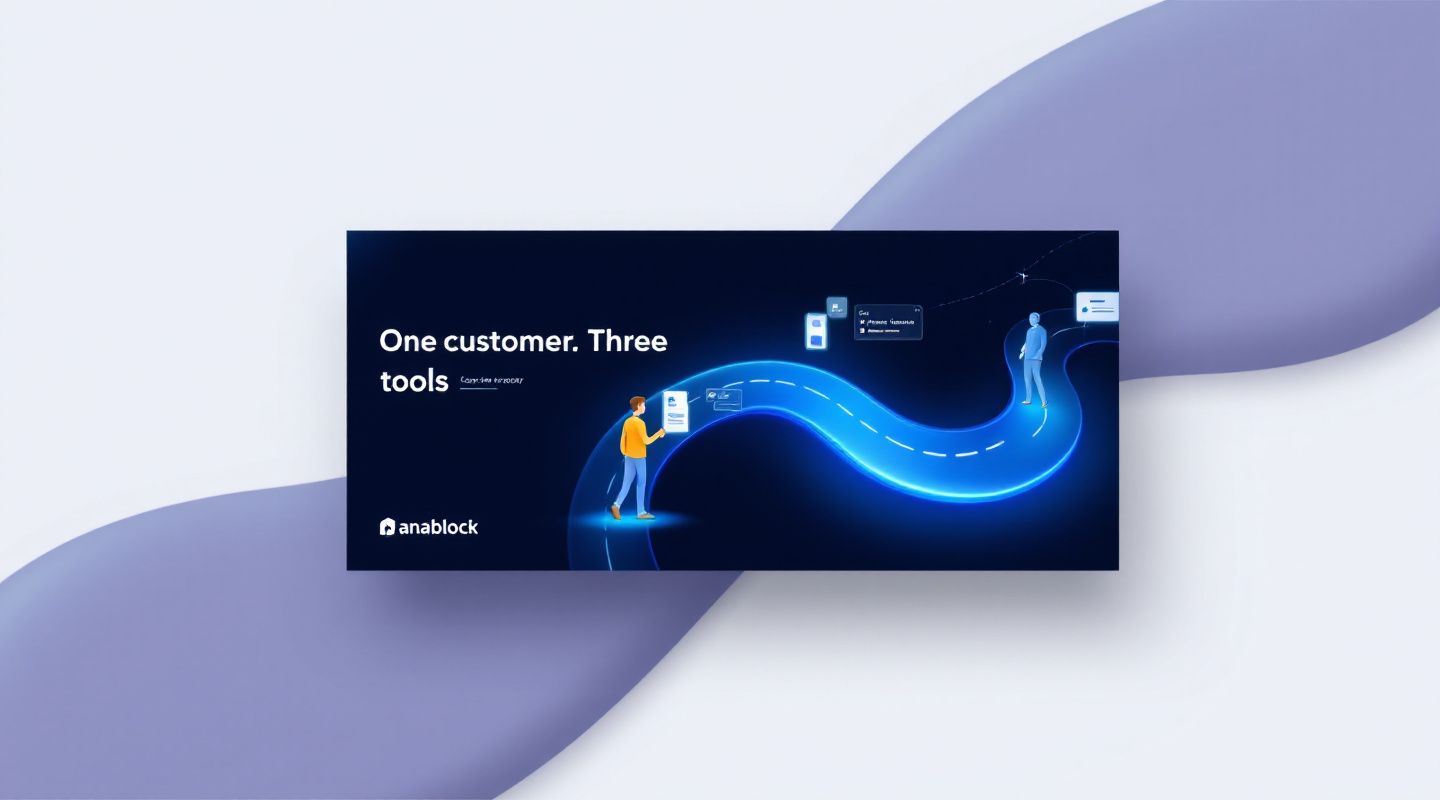
One Customer, Three Tools: Following a Single Inquiry From First Call to Signed Contract
Most software pitches list features. This one follows a person.
Below is an illustrative walkthrough of a single customer inquiry, from the first phone call to a signed agreement, and how three connected AI tools for business handle each stop on the road. The customer is a composite, but the workflow is the point: one AI business automation platform where nothing falls between the cracks.
Stop 1: The First Call (Echo)
It is 6:40 on a Tuesday evening. Maya runs operations at a small company and has just decided she needs help. She finds a business online and calls.
In a typical small business, this is where things go wrong. The office is closed, the call goes to voicemail, and Maya moves on to the next name on her list. The first business to respond usually wins, and this one just lost without ever knowing it.
Here, Echo, the AI voice agent, picks up on the second ring. It greets Maya, asks what she is looking for, and answers her basic questions in a natural conversation. It captures her name, company, phone number, email and what she needs. Then it offers her a time to speak with a person and books it, often for the same day, right on the calendar.
Maya hangs up at 6:52. Twelve minutes, start to finish, and she already has a confirmed next step.
Stop 2: Tracking the Lead (The CRM)
While Maya is making dinner, the second tool is already working.
Everything Echo learned lands in the CRM automatically. A new contact is created with her details, the call summary is attached as a note, and the booked meeting appears on the owner's calendar. No one typed anything in. No sticky note got lost.
This is where the AI CRM and voice agent together make the difference. The CRM does not just store Maya's information. It puts her at the right stage of the pipeline, flags her as a priority based on what she asked about, and queues a confirmation message so she hears from the company again before the day is out.
Before the meeting, the sales rep opens Maya's record and sees the full picture in seconds:
- What she asked for and why she called
- The summary of her conversation with Echo
- Her place in the pipeline and what comes next
- Any follow-ups already scheduled
The rep walks into the call prepared instead of starting from scratch. Maya notices. People remember when a company already knows what they need.
After the meeting, the deal moves forward on the pipeline board. A proposal goes out. If Maya goes quiet for a few days, an automated follow-up sequence nudges her at the right moment, so the deal does not stall because someone forgot to check in.
Stop 3: The Signed Agreement (Connect)
Two weeks later, Maya says yes and signs the agreement.
This is the stop most teams forget about. A signed contract is full of details that matter: the scope, the pricing, the start date, the payment terms and the renewal dates. In many businesses, someone reads the document, then manually copies those details into other systems. It is slow, and small errors creep in.
Connect reads the signed agreement and pulls out the key details, so the people who need them do not have to dig through pages of text. Because it sits alongside the CRM, that information can sit with Maya's record, ready for whoever handles onboarding. When a teammate has a question six months later, such as "what did we agree on for the start date?", the answer is a quick lookup instead of a search through old email threads.
Maya's status moves to customer, onboarding begins, and the handshake at the end of the road is more than a figure of speech. The whole journey is recorded in one place.
Why Connected Tools Beat a Stack of Separate Ones
Now imagine the same journey with three unrelated products. The call tool does not talk to the CRM. The CRM does not know what is in the contract. Someone is stuck acting as the human glue, copying details between screens and hoping nothing is missed.
With one connected platform, three things improve:
- Speed: Every handoff happens instantly, so the lead never waits.
- Accuracy: Details are captured once and reused, not retyped.
- Visibility: Anyone on the team can see the full history of a customer from first call to signed contract.
For lean teams, this is the real value of an AI business automation platform. You are not adding three more logins to manage. You are removing the manual work that sits between them.
Where to Start
You do not need to roll everything out at once. Most teams begin at the stop that hurts the most:
- Missing calls and slow replies? Start with the voice agent.
- Leads scattered across inboxes and spreadsheets? Start with the CRM.
- Contracts and documents buried in folders? Start with document reading.
Then connect the rest as you go. Each stop makes the next one stronger.
At Anablock, we build AI agents, CRM systems and automation designed to work as one. If you would like to see how this road could look for your business, book a call with Vuk and we will map out your own customer journey together.