- Published on
How Ana's Google Workspace Integration Turns Your Inbox Into a Sales Engine
- Authors

- Name
- Anablock
AI Insights & Innovations
How Ana's Google Workspace Integration Turns Your Inbox Into a Sales Engine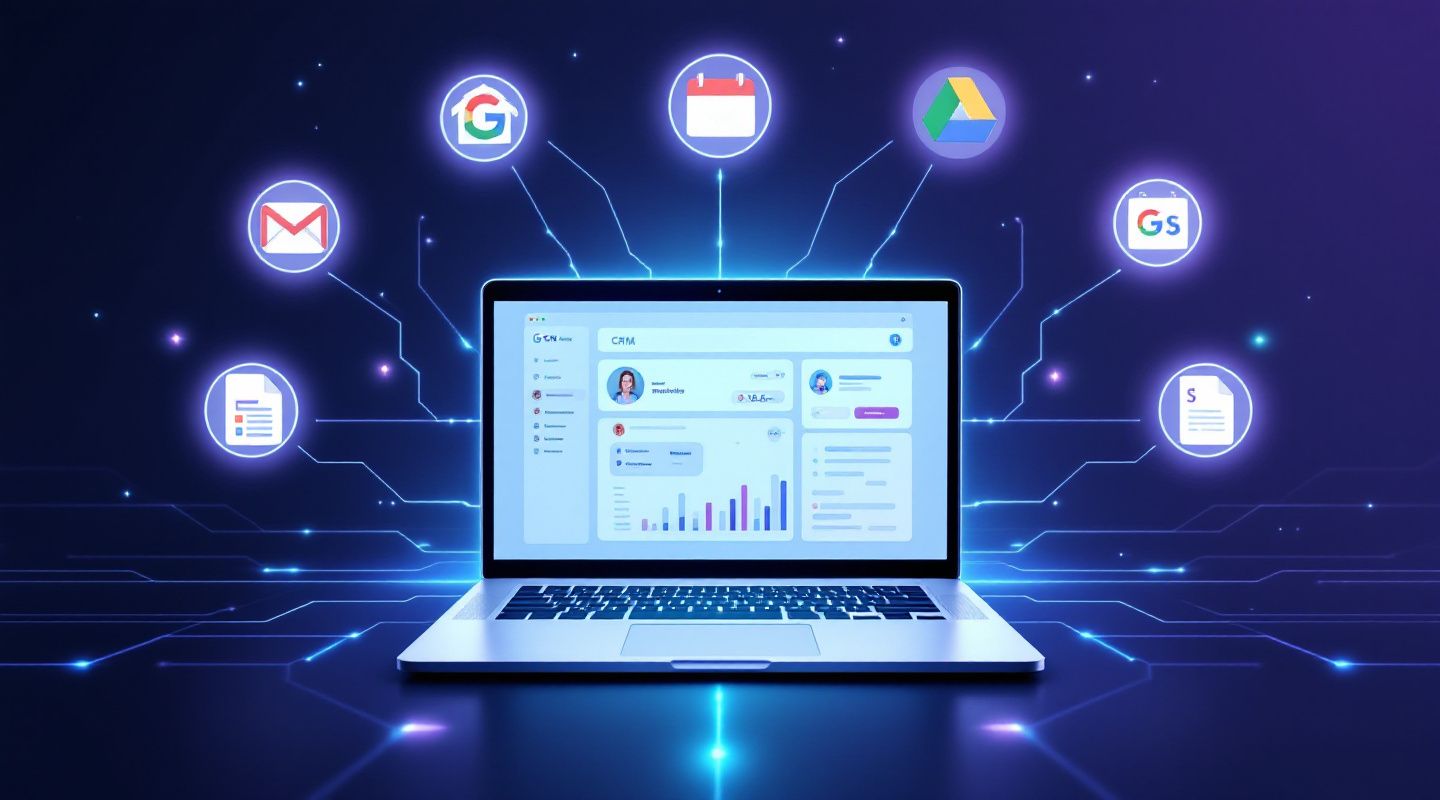
Sales reps lose hours every week bouncing between their CRM and their inbox — copying email threads into notes, hunting for that one attachment a prospect sent three weeks ago, manually creating contacts from cold inbound leads, and checking their calendar in a separate tab before every call. None of that is selling. It's overhead.
Anablock built Ana, the AI co-pilot inside Anablock CRM, to close that gap. With Gmail and Google Workspace connected, Ana turns your inbox, calendar, and Drive into a live extension of your CRM — so reps and BDRs spend less time on data entry and more time on conversations that move deals forward.
Here's what that actually looks like in practice.
1. Your Inbox Becomes Searchable CRM Intelligence
Instead of digging through Gmail for that pricing thread from last month, Ana can search your inbox by keyword, sender, subject, or label, then read a single message or an entire conversation thread in order. Ask "what did Jeff at Snowflake say about the renewal timeline?" and Ana pulls the exact thread — no manual searching required.
Why it matters for reps: deal context lives in email more than anywhere else. Ana makes that context instantly retrievable without leaving your CRM workflow.
2. Draft and Send Without Switching Tabs
Ana can draft personalized outreach and either save it to Gmail as a draft for your review or send it directly from your account. For BDRs running high email volumes, this means outreach that's tailored to a prospect's industry, seniority, and pipeline stage — generated and sent without ever opening a separate compose window.
Why it matters for BDRs: every second saved on drafting is a second reinvested in personalization or volume — whichever your quota needs more of.
3. Inbox Organization That Runs Itself
Ana can list, create, and manage Gmail labels, move or archive messages individually or in bulk, and set up auto-filters — for example, automatically archiving bounce notifications or routing inbound leads to a dedicated label. For reps managing hundreds of prospect threads, this is the difference between an inbox that's a filing cabinet and one that's a to-do list.
4. Turn Any Inbound Email Into a CRM Contact — Automatically
One of the highest-leverage features for BDRs: Ana can parse the sender of any email and create or update a CRM contact directly from it. A cold inbound reply, a referral introduction, a conference follow-up — instead of manually typing name, email, and company into the CRM, Ana extracts it and checks for duplicates before creating the record. No missed leads, no double entries.
5. Calendar Awareness Without the Context Switch
Ana can pull your upcoming Google Calendar events on demand. Before a call, ask Ana what's on your schedule or which meetings are linked to a specific prospect — no need to alt-tab to check.
6. Drive, Docs, Sheets, and Slides — Inside the Sales Workflow
This is where the integration goes beyond "email connector" and becomes a genuine sales operations layer:
- Drive & Docs: Search and read files by keyword, pull a Google Doc as markdown to review a proposal or SOW, and create new docs — kickoff summaries, call notes, proposal drafts — directly from a conversation with Ana.
- Sheets: Read and update spreadsheet ranges, or append new rows without disturbing existing data — ideal for exporting a CRM segment straight into a pipeline-tracking sheet your team already uses.
- Slides: Ana can read and summarize a pitch deck a prospect sent, or generate a new presentation from scratch — useful when a rep needs a quick leave-behind after a discovery call.
Why it matters for both reps and BDRs: the sales cycle doesn't live in one tool. It's an email, then a doc, then a deck, then a follow-up. Ana bridges all of it instead of forcing reps to manually stitch the pieces together.
The Bigger Picture: Less Admin, More Selling
Every feature above solves the same underlying problem: context switching kills sales productivity. Ana's Google Workspace integration is built specifically to claw that time back by making the CRM the single place reps work from, while Ana quietly handles the Gmail, Calendar, and Drive plumbing behind the scenes.
For a BDR running 50+ outbound touches a day, that means:
- Faster lead creation from inbound replies (no manual entry)
- Personalized drafts generated in seconds, reviewed before sending
- Zero time lost hunting for old threads before a follow-up call
For an AE managing a live pipeline, that means:
- Full deal history — emails, docs, decks — accessible from one contact record
- Proposals and SOWs reviewed without leaving the CRM
- Calendar context pulled up instantly before every call
Get Started
If your team is already on Anablock CRM, connecting Google Workspace takes a few minutes under Integrations → Gmail & Workspace. Once connected, Ana handles the rest — no new tool to learn, just less busywork in the one you already use.
Want to see it in action on your own pipeline? Book a walkthrough with the Anablock team.