- Published on
Anablock vs HubSpot CRM (2026): An Honest Comparison
- Authors

- Name
- Anablock
AI Insights & Innovations
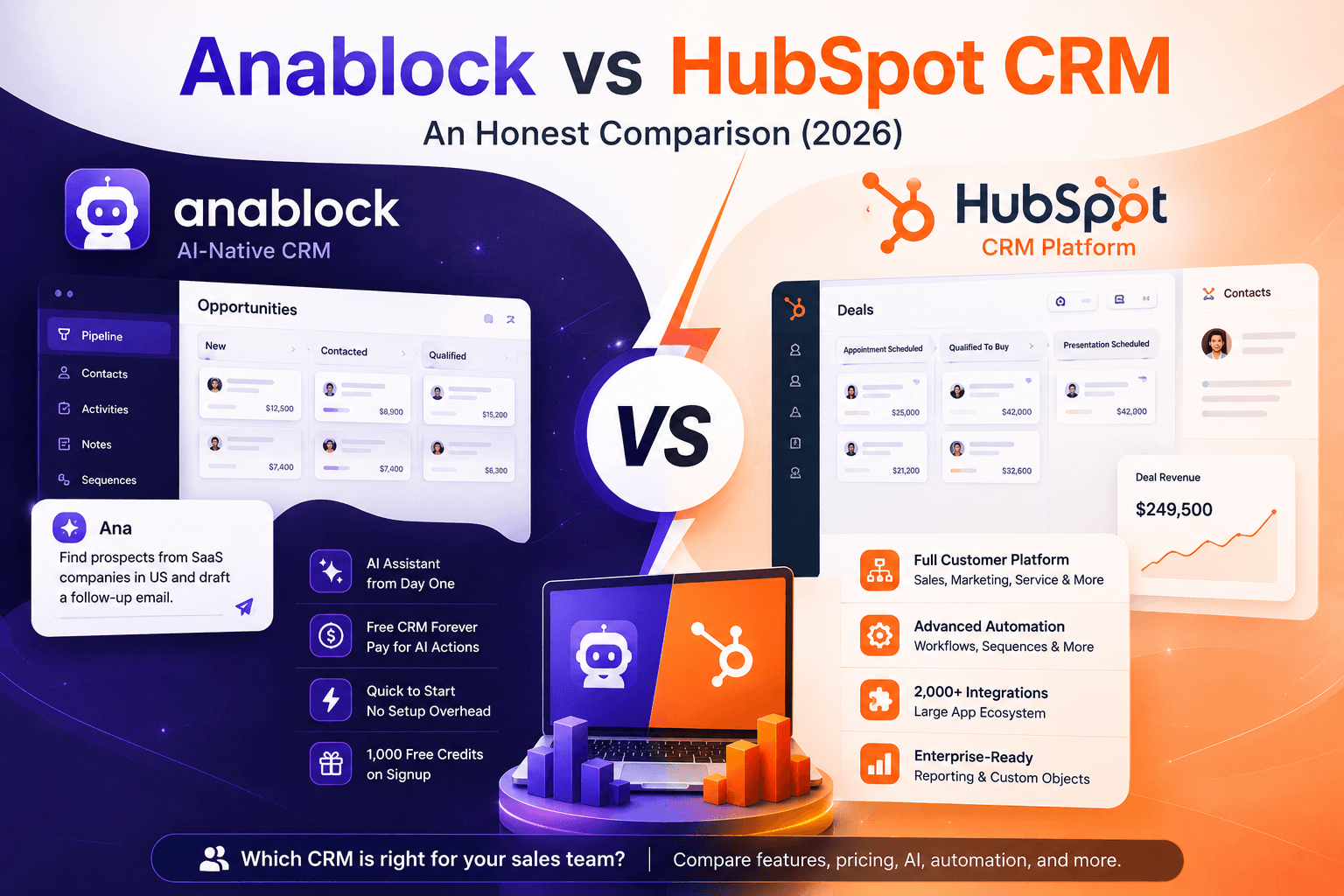
Anablock vs HubSpot CRM (2026): An Honest Comparison
HubSpot is one of the most established CRM platforms in the world.
It is not just a CRM anymore. It is a full customer platform covering sales, marketing, service, content, operations, reporting, automation, and AI.
That scale is exactly why many teams choose it.
It is also why some teams do not need it yet.
This page explains where HubSpot wins, where it becomes too much, and when Anablock is the better fit for a small sales team that wants an AI-native CRM without a monthly subscription.
We built Anablock, so we are not neutral. But this is the comparison page we would want to read ourselves, including the parts where HubSpot is clearly the stronger product.
The 60-Second Summary
HubSpot is a mature, all-in-one customer platform with a powerful CRM at the center. If you want sales, marketing, service, automation, reporting, lead capture, email marketing, pipelines, custom objects, and a huge integration ecosystem in one place, HubSpot is one of the strongest options on the market. The catch: the platform becomes expensive and more complex as you unlock advanced sales automation, AI prospecting, custom objects, and enterprise-level features.
Anablock is an AI-native CRM built for small sales teams who want AI in the CRM from day one. The CRM is free forever. You pay only for AI actions through a credit system, with no monthly subscription and credits that never expire. The trade-off: Anablock is not a full marketing automation suite, does not have HubSpot’s enterprise reporting depth, and does not have HubSpot’s massive app ecosystem.
Feature Comparison Table
| Feature | Anablock | HubSpot Free | HubSpot Sales Starter | HubSpot Sales Professional | HubSpot Sales Enterprise | |---|---|---|---|---|---| | Price | Free CRM forever | Free tools | Starts at $20/user/month | Starts at $100/user/month | Starts at $150/user/month | | AI assistant | ✅ Ana conversational assistant | ⚠️ Limited AI features | ⚠️ Some AI features | ✅ Advanced AI selling tools | ✅ Advanced AI selling tools | | Contact enrichment | ✅ AI-powered, credit-based | ⚠️ Limited | ✅ Available with subscription and credits | ✅ Available with subscription and credits | ✅ Available with subscription and credits | | Email drafting | ✅ AI-drafted emails | ⚠️ Limited | ⚠️ Limited | ✅ | ✅ | | Sequences / cadences | ✅ AI-drafted | ❌ Limited or unavailable | ⚠️ Limited compared with Pro | ✅ | ✅ Advanced | | Sales automation | ⚠️ Basic | ❌ Limited | ⚠️ Basic | ✅ Advanced | ✅ Advanced | | Custom objects | ❌ | ❌ | ❌ | ❌ / limited by hub setup | ✅ Enterprise-level capability | | Pipeline management | ✅ Unlimited | ✅ | ✅ | ✅ | ✅ | | Marketing automation | ❌ | ⚠️ Basic tools | ⚠️ Basic | ✅ Strong if paired with Marketing Hub | ✅ Advanced if paired with Marketing Hub | | Call tracking / calling tools | ❌ | ⚠️ Limited | ✅ | ✅ | ✅ Advanced | | Guided selling | ⚠️ Ana-driven CRM assistance | ❌ | ❌ | ✅ Included | ✅ Included | | Integrations | ⚠️ Smaller ecosystem | ✅ Large ecosystem | ✅ Large ecosystem | ✅ Large ecosystem | ✅ Large ecosystem | | Monthly subscription | ❌ None | ❌ None | ✅ Required | ✅ Required | ✅ Required | | Free credits on signup | ✅ 1,000 | ❌ | ❌ | ❌ | ❌ | | Best fit | Small AI-first sales teams | Very small teams testing CRM | Small teams needing basic CRM | Growing sales teams needing automation | Larger teams needing governance, scale, and advanced CRM control |
Where HubSpot Wins
1. Full customer platform, not just CRM.
HubSpot is much broader than a sales CRM. It can handle marketing, sales, service, content, commerce, operations, reporting, lead capture, email campaigns, forms, landing pages, and customer support workflows. If your team wants one central platform for the entire customer journey, HubSpot wins clearly.
2. Sales automation depth.
HubSpot Sales Hub Professional and Enterprise include much more advanced automation than Anablock. For teams that need deal-stage triggers, task creation, internal notifications, sequence automation, lead routing, and operational workflows, HubSpot is stronger.
3. Sequences at scale.
HubSpot’s sequence functionality is strong for teams doing structured outbound. It is built for sales teams that need repeatable follow-up, prospecting flows, task queues, email templates, personalization, and reporting across multiple reps.
4. AI-powered guided selling.
HubSpot has invested heavily in AI sales workflows. Its AI tools can help sales teams prepare for calls, generate follow-ups, summarize interactions, suggest next steps, and work across the broader customer platform.
5. Massive integration ecosystem.
HubSpot’s ecosystem is a major advantage. If your CRM needs to connect with ad platforms, sales tools, reporting systems, support tools, data enrichment platforms, operations software, and internal systems, HubSpot is the safer choice.
6. Custom objects and enterprise CRM structure.
For larger teams with more complex data models, HubSpot Enterprise has a real advantage. HubSpot supports custom objects for storing non-standard business data such as subscriptions, locations, shipments, events, partners, projects, or other entities that do not fit cleanly into contacts, companies, and deals.
Where Anablock Wins
1. AI in the CRM from day one.
Anablock is built around Ana, a conversational AI assistant that helps users manage contacts, draft emails, research prospects, enrich records, and work with pipeline data in natural language. The core experience is AI-first, not AI added as another layer on top of a larger platform.
2. No monthly subscription.
This is the biggest difference. HubSpot Sales Hub is priced per user per month once a team needs paid CRM functionality. Anablock’s CRM is free forever. You only pay for AI actions when you use them.
3. Lower cost for small sales teams.
For a small team, HubSpot can become expensive quickly once you move beyond the free tools. A 6-person team on Sales Professional or Enterprise can move into thousands of dollars per year before considering other hubs, onboarding, add-ons, or advanced AI usage. Anablock keeps the CRM free and uses pay-per-use AI credits instead.
4. Less setup overhead.
HubSpot is powerful, but that power comes with setup decisions: hubs, seats, permissions, pipelines, lifecycle stages, workflows, properties, dashboards, attribution, integrations, and reporting structure. Anablock is more opinionated. It is built for teams that want contacts, pipelines, notes, enrichment, email drafting, and AI assistance without spending weeks configuring a full customer platform.
5. Pay for AI actions, not every seat.
HubSpot is largely seat-based for Sales Hub. If every sales user needs access to paid features, every user becomes part of the monthly cost. Anablock’s model is better for teams where some people use AI heavily and others only need basic CRM access.
6. Better fit for simple outbound workflows.
If your main workflow is prospecting, enriching contacts, drafting emails, following up, and managing deals, Anablock is more focused. HubSpot can do all of that, but it may be more platform than you need.
Pricing Reality Check
Here is what a 6-person sales team may pay over 12 months:
| | Anablock | HubSpot Free | HubSpot Sales Starter | HubSpot Sales Professional | HubSpot Sales Enterprise | |---|---|---|---|---|---| | Monthly CRM subscription | $0 | $0 | Around $120/month for 6 users | Around $600/month for 6 users | Around $900/month for 6 users | | Annual software cost | Usage-based AI credits | $0 | Around $1,440/year | Around $7,200/year | Around $10,800/year | | AI assistant | ✅ Ana included | ⚠️ Limited | ⚠️ Limited | ✅ Advanced tools | ✅ Advanced tools | | Advanced sales automation | ⚠️ Basic | ❌ | ⚠️ Limited | ✅ | ✅ Stronger | | Sequences | ✅ AI-drafted | ❌ Limited | ⚠️ Limited | ✅ | ✅ Advanced | | Required onboarding | ❌ | ❌ | ❌ | Depends on setup | Often required for Enterprise | | Credits expire? | ❌ Never | N/A | Depends on HubSpot credit system | Depends on HubSpot credit system | Depends on HubSpot credit system |
HubSpot Free is genuinely useful. It is one of the strongest free CRM options available. But the moment a sales team needs serious automation, guided selling, advanced sequences, custom objects, or enterprise controls, the cost moves into paid Sales Hub tiers.
Anablock is not trying to replace the entire HubSpot platform. It is trying to give small sales teams the CRM and AI workflows they actually need without forcing them into a monthly software bill.
Ideal Buyer for Each
Choose HubSpot if:
- You want one platform for sales, marketing, service, content, operations, and reporting
- You need advanced workflow automation
- You need a large app marketplace and many integrations
- You need custom objects, permissions, teams, governance, and enterprise controls
- You want advanced sales sequences and workflow-triggered outreach
- You have a marketing team that will use forms, landing pages, email marketing, lifecycle stages, and campaign reporting
- You are willing to pay for a mature platform that can scale across departments
Choose Anablock if:
- You want AI inside the CRM from day one
- You are a 1–15 person sales team
- You do not want a monthly per-seat CRM subscription
- You mainly need prospecting, enrichment, email drafting, notes, follow-ups, and pipeline management
- You want to pay for AI actions instead of fixed monthly seats
- You want a CRM that is simple enough to start using quickly
- You do not need a full marketing automation platform
When You Should NOT Pick Anablock
We will be direct: Anablock is the wrong choice if:
-
You need full marketing automation.
If your team needs landing pages, forms, email marketing, ad tracking, lifecycle reporting, campaign attribution, and lead nurturing in one system, HubSpot is the better fit. -
You need advanced workflow automation.
HubSpot Professional and Enterprise are stronger for multi-step workflows, deal-stage automation, internal notifications, workflow-triggered sequences, and operational automation. -
You need custom objects.
If your CRM needs to track non-standard business entities like subscriptions, locations, shipments, partners, onboarding projects, or multiple custom pipelines, HubSpot Enterprise is better. -
You need a large integration ecosystem.
HubSpot’s marketplace is a major strength. If your company depends on many connected tools, HubSpot is safer. -
You need enterprise governance.
Larger teams often need permission sets, teams, field controls, sandbox environments, advanced reporting, and admin controls. HubSpot is built for that level of organizational complexity. -
You want one platform for multiple departments.
Anablock is focused on sales CRM and AI workflows. HubSpot is better if sales, marketing, service, and operations all need to work inside the same platform.
The Bottom Line
HubSpot is the right choice for companies that want a full customer platform. It is mature, powerful, deeply integrated, and capable of supporting complex sales, marketing, service, and operations workflows. For teams that need automation, reporting, custom objects, advanced sequences, and a large ecosystem, HubSpot is hard to beat.
Anablock is the right choice for small sales teams that want an AI-native CRM without the cost and complexity of a larger platform. It gives you a free CRM, Ana as a conversational AI assistant, pay-per-use AI credits, and a faster path to prospecting, enrichment, email drafting, and pipeline management.
If you need a full revenue operations platform, choose HubSpot.
If you need a simple AI CRM that helps your sales team move faster without a monthly subscription, start with Anablock.
Last updated: May 2026. HubSpot pricing and feature details should be reviewed against HubSpot’s official pricing page before publishing, as plans, AI credits, and onboarding requirements can change.