- Published on
Introducing the Lead Approval Page: Smarter Quality Control for Your Sales Pipeline
- Authors

- Name
- Anablock
AI Insights & Innovations
Your Pipeline Has a Garbage-In Problem — And It's Costing You Deals
Every sales rep knows the feeling. You log into your CRM on a Monday morning, ready to hit your calls, and your pipeline is flooded with leads that have no business being there. A contact with a personal Gmail address submitted your enterprise demo form. A competitor scraped your landing page. A bulk ad campaign dumped 400 half-baked form fills into your queue. You spend the first two hours of your week cleaning instead of selling.
This isn't a minor inconvenience — it's a structural problem. When raw, unvetted leads flow directly into your sales pipeline, reps waste time chasing dead ends, pipeline data becomes unreliable, and managers lose visibility into what's actually being worked. Marketing loses signal on what campaigns are producing quality. And the deals that matter get buried under the noise.
That's exactly the problem the new Lead Approval Page in Anablock CRM was built to solve.
What Is the Lead Approval Page?
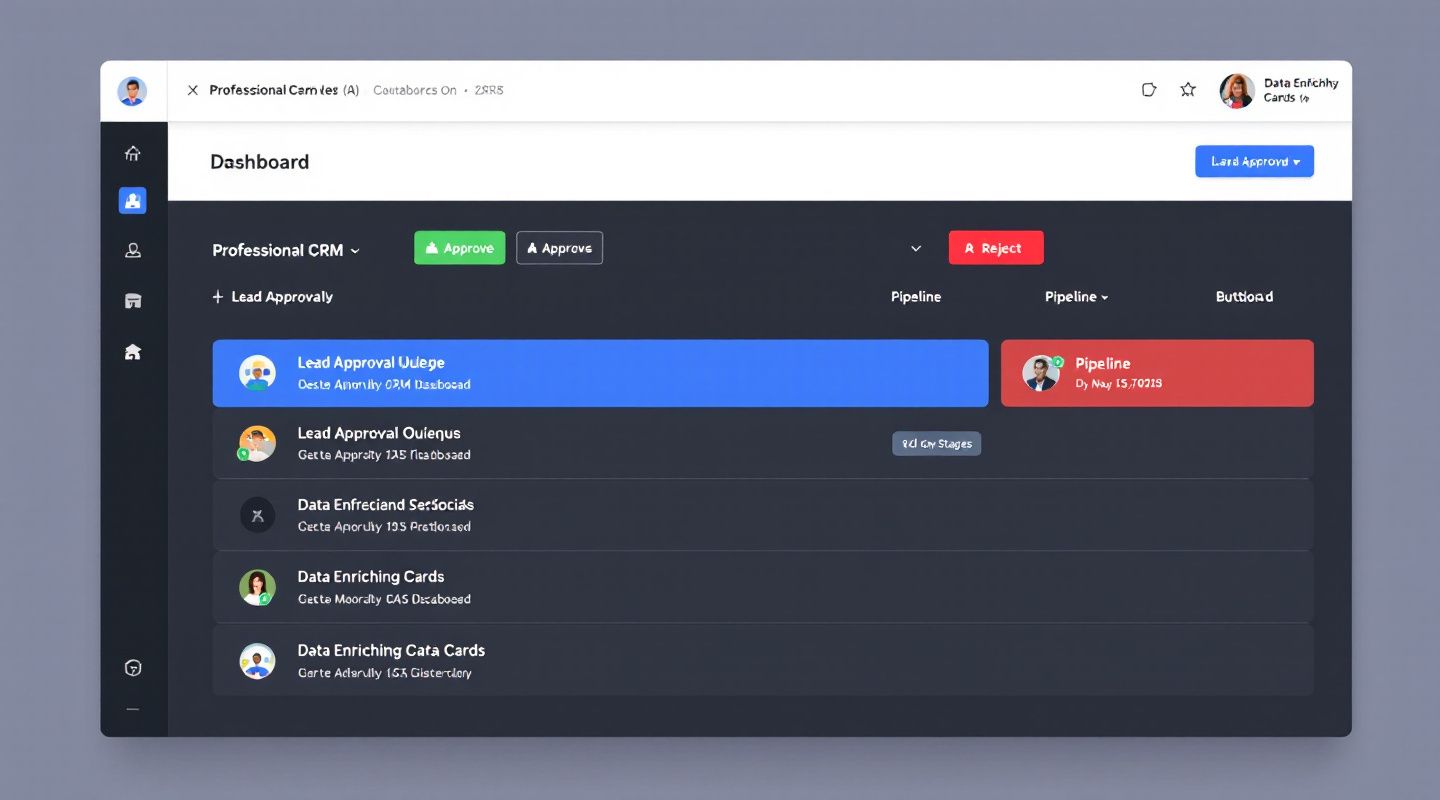
The Lead Approval Page is a dedicated, centralized hub where sales and marketing teams can review, vet, and approve incoming leads before they ever touch the active pipeline. Think of it as a smart intake filter — a quality gate that sits between raw lead capture (ads, web forms, integrations, scraped data) and your clean, sales-ready CRM pipeline.
Instead of every form submission, ad click, or integration sync automatically becoming a live record your reps have to deal with, leads first land in a pending queue. From there, your team decides what moves forward and what gets cut.
A Closer Look at the Key Capabilities
Centralized Pending Queue with Enrichment Data at a Glance
Every incoming lead appears in a single, unified queue — no hunting across multiple views or exports. The queue surfaces source data (which campaign, form, or integration it came from) alongside enrichment data like company size, industry, job title, and lead score. Reviewers can make fast, informed decisions without having to open individual records or cross-reference external tools.
This means a sales manager reviewing 50 inbound leads from a trade show campaign can see in seconds which ones match your ICP and which ones need to be cut — all without leaving the page.
One-Click Approve and Reject Actions
Speed matters. The approval interface is built for efficiency. Reviewers can approve or reject leads in a single click, with approved leads automatically routing to the correct pipeline stage — whether that's "Lead," "Qualified Lead," or a custom stage your team has configured. No manual drag-and-drop, no status field gymnastics.
For rejected leads, reviewers can log a rejection reason from a predefined list (e.g., "Duplicate," "Competitor," "Invalid Contact Info," "Outside ICP"). This creates an audit trail that's invaluable for compliance, reporting, and continuous campaign improvement.
Bulk Approval for High-Volume Campaigns
Running a webinar and pulling in 600 registrants overnight? The Lead Approval Page supports bulk approval actions, so you can filter by source, score range, or firmographic criteria and approve or reject entire batches at once. High-volume periods don't have to mean a backlog.
Configurable Auto-Approval Rules
Not every lead needs a human in the loop. The Lead Approval Page includes a rule engine that lets you configure auto-approval logic based on criteria your team defines — lead score thresholds, specific sources you trust implicitly (like a direct referral integration), firmographic filters like company size or industry, or any combination of the above.
For example:
- Auto-approve any lead with a score above 80 from your paid LinkedIn campaign
- Auto-reject any lead from a free consumer email domain when your ICP is enterprise
- Hold for review anything from a new, unvetted data source
This means your most obvious wins move instantly, while your team's attention is reserved for the gray areas that actually benefit from human judgment.
Why This Matters for SDRs, BDRs, and Sales Managers
Let's get concrete about the downstream value:
For SDRs and BDRs: You stop wasting prospecting hours on contacts that were never going to convert. Your queue only contains leads someone has already determined are worth pursuing. That means higher connect rates, better conversations, and more time spent on actual selling activity.
For Sales Managers: You get genuine visibility and control over pipeline quality — not just pipeline volume. You can see who reviewed what, when, and why certain leads were rejected. When a rep says "my pipeline is weak this quarter," you have data to understand whether that's a sourcing problem, a qualification problem, or a volume problem.
For Marketing Teams: Rejection reasons and audit trails feed directly back into campaign performance analysis. If 40% of leads from a specific ad set are getting rejected for "Outside ICP," that's a targeting signal you can act on immediately — before you burn more budget.
For Compliance and Operations: Every approval and rejection is logged with a timestamp, user attribution, and reason code. If you're in a regulated industry or simply need defensible records of your data handling processes, the audit trail has you covered.
Closing the Gap Between Lead Capture and Pipeline Reality
Most CRMs treat lead capture and pipeline management as a single, continuous flow. The assumption baked in is that every lead is worth processing. In practice, that assumption is almost never true — and the cost of that assumption compounds over time.
Duplicate records fragment your contact history. Spam leads inflate your pipeline metrics and distort forecasting. Low-quality leads demoralize reps who are graded on activity metrics. And without a structured review process, there's no systematic way to improve.
The Lead Approval Page treats lead intake as what it actually is: a critical quality control checkpoint. By inserting a structured, auditable review layer between capture and pipeline, Anablock CRM gives revenue teams the infrastructure to maintain pipeline hygiene at scale — without slowing down the leads that matter.
Whether you're running high-volume inbound campaigns, syncing data from multiple integrations, or simply trying to protect your reps' time, the Lead Approval Page is the missing layer between raw data and real opportunity.
Ready to See Smarter Lead Management in Action?
The Lead Approval Page is available now in Anablock CRM. If your team is tired of cleaning pipeline instead of working it, we'd love to show you how it fits into your workflow.
Schedule a demo today and see how Anablock CRM can help your sales team spend less time on data cleanup and more time closing deals. Reach out to our team at anablock.com or contact your account representative to get started.