- Published on
Multi-Turn Conversations with Claude: Managing Conversation State
- Authors

- Name
- Anablock
AI Insights & Innovations
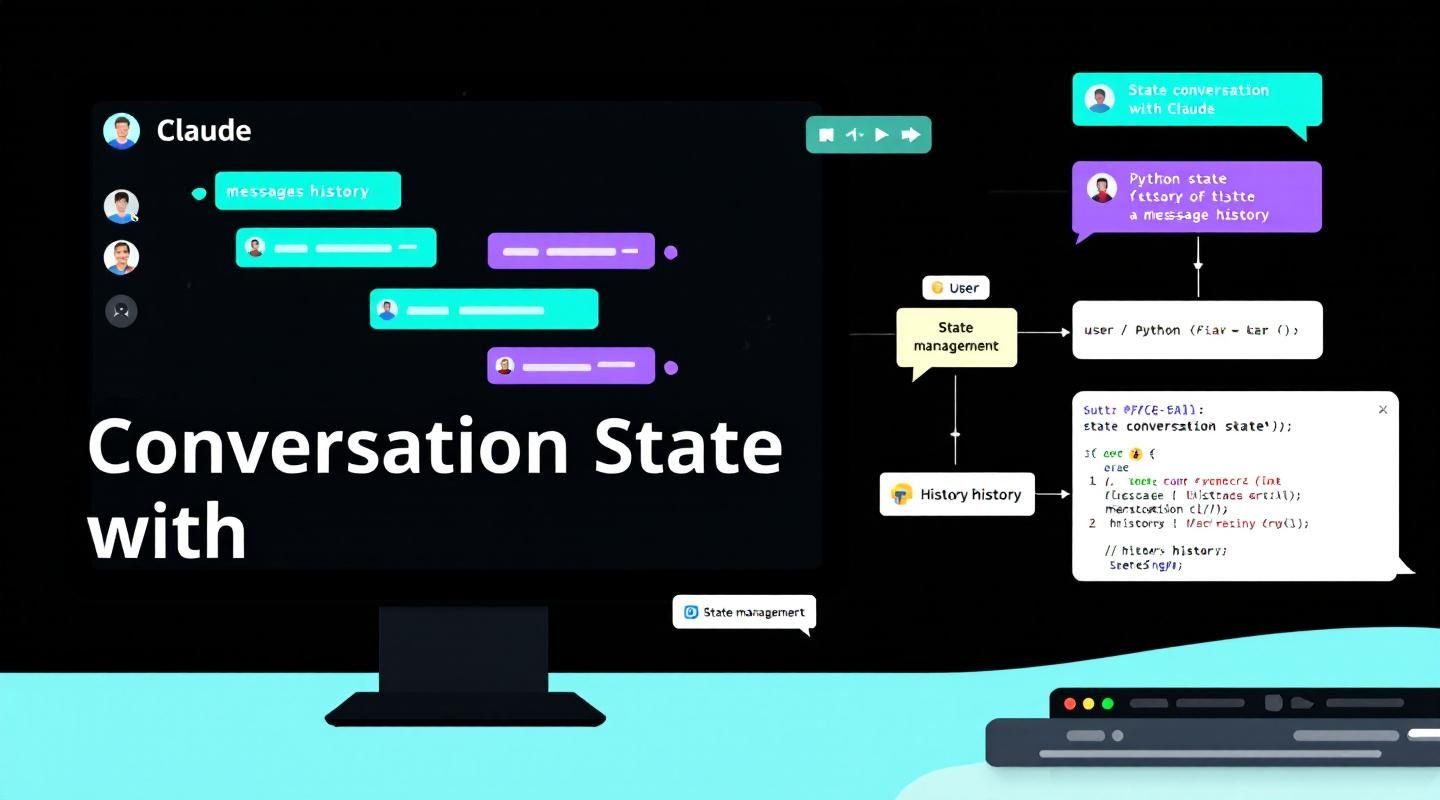
Multi-Turn Conversations with Claude: Managing Conversation State
When working with the Anthropic API and Claude, there's a crucial concept you need to understand: Claude doesn't store any of your conversation history. Each request you make is completely independent, with no memory of previous exchanges.
This means if you want to have a multi-turn conversation where Claude remembers context from earlier messages, you need to handle the conversation state yourself.
The Problem with Stateless Conversations
Let's say you ask Claude "What is quantum computing?" and get a good response. Then you follow up with "Write another sentence" - Claude has no idea what you're referring to. It will write a sentence about something completely random because it has no memory of the quantum computing discussion.
Example of what goes wrong:
import anthropic

client = anthropic.Anthropic(api_key="your-api-key")

# First request
response1 = client.messages.create(
    model="claude-3-5-sonnet-20241022",
    max_tokens=1000,
    messages=[{"role": "user", "content": "What is quantum computing?"}]
)

print(response1.content[0].text)
# Output: "Quantum computing is a type of computing that uses quantum-mechanical phenomena..."

# Second request (without context)
response2 = client.messages.create(
    model="claude-3-5-sonnet-20241022",
    max_tokens=1000,
    messages=[{"role": "user", "content": "Write another sentence"}]
)

print(response2.content[0].text)
# Output: "The sun rises in the east." ❌ (No context!)
Claude has no idea you want another sentence about quantum computing.
How Multi-Turn Conversations Work
To maintain conversation context, you need to:
- Manually maintain a list of all messages in your code
- Send the complete message history with every request
The Correct Flow
- Send your initial user message to Claude
- Take Claude's response and add it to your message list as an
assistantmessage - Add your follow-up question as another
usermessage - Send the entire conversation history to Claude
Example:
import anthropic

client = anthropic.Anthropic(api_key="your-api-key")

# Initialize conversation history
messages = []

# First turn
messages.append({"role": "user", "content": "What is quantum computing?"})

response1 = client.messages.create(
    model="claude-3-5-sonnet-20241022",
    max_tokens=1000,
    messages=messages
)

# Add Claude's response to history
messages.append({"role": "assistant", "content": response1.content[0].text})

# Second turn (with context)
messages.append({"role": "user", "content": "Write another sentence"})

response2 = client.messages.create(
    model="claude-3-5-sonnet-20241022",
    max_tokens=1000,
    messages=messages  # Send full history
)

print(response2.content[0].text)
# Output: "Quantum computers leverage superposition and entanglement to solve certain problems exponentially faster than classical computers." ✅
Now Claude understands the context!
Building Helper Functions
To make conversation management easier, create helper functions:
import anthropic

client = anthropic.Anthropic(api_key="your-api-key")
model = "claude-3-5-sonnet-20241022"

def add_user_message(messages, text):
    """Add a user message to the conversation history."""
    user_message = {"role": "user", "content": text}
    messages.append(user_message)

def add_assistant_message(messages, text):
    """Add an assistant message to the conversation history."""
    assistant_message = {"role": "assistant", "content": text}
    messages.append(assistant_message)

def chat(messages):
    """Send messages to Claude and return the response."""
    message = client.messages.create(
        model=model,
        max_tokens=1000,
        messages=messages,
    )
    return message.content[0].text
Putting It All Together
Here's a complete example using the helper functions:
# Start with an empty message list
messages = []

# Add the initial user question
add_user_message(messages, "Define quantum computing in one sentence")

# Get Claude's response
answer = chat(messages)
print(f"Claude: {answer}")
# Output: "Quantum computing is a type of computing that uses quantum-mechanical phenomena..."

# Add Claude's response to the conversation history
add_assistant_message(messages, answer)

# Add a follow-up question
add_user_message(messages, "Write another sentence")

# Get the follow-up response with full context
final_answer = chat(messages)
print(f"Claude: {final_answer}")
# Output: "These quantum phenomena allow quantum computers to process information in fundamentally different ways than classical computers."
Now Claude understands that "Write another sentence" refers to expanding on the quantum computing definition!
Message Structure
Each message in the conversation history must have:
role: Either"user"or"assistant"content: The text of the message
Example message list:
messages = [
    {"role": "user", "content": "What is quantum computing?"},
    {"role": "assistant", "content": "Quantum computing is..."},
    {"role": "user", "content": "Write another sentence"},
    {"role": "assistant", "content": "These quantum phenomena..."},
    {"role": "user", "content": "Give me an example"}
]
Rules for Message History
- Must start with a user message - The first message must have
role: "user" - Must alternate roles - User and assistant messages must alternate
- Must end with a user message - The last message must be from the user
- Include all messages - Send the complete history with each request
❌ Invalid (doesn't alternate):
messages = [
    {"role": "user", "content": "Hello"},
    {"role": "user", "content": "How are you?"}  # Two user messages in a row
]
✅ Valid:
messages = [
    {"role": "user", "content": "Hello"},
    {"role": "assistant", "content": "Hi! How can I help?"},
    {"role": "user", "content": "How are you?"}
]
Complete Working Example
Here's a full chatbot implementation:
import anthropic

client = anthropic.Anthropic(api_key="your-api-key")
model = "claude-3-5-sonnet-20241022"

def add_user_message(messages, text):
    messages.append({"role": "user", "content": text})

def add_assistant_message(messages, text):
    messages.append({"role": "assistant", "content": text})

def chat(messages):
    response = client.messages.create(
        model=model,
        max_tokens=1000,
        messages=messages
    )
    return response.content[0].text

# Initialize conversation
messages = []

# Turn 1
add_user_message(messages, "What's the capital of France?")
response = chat(messages)
print(f"Claude: {response}")
add_assistant_message(messages, response)

# Turn 2
add_user_message(messages, "What's the population?")
response = chat(messages)
print(f"Claude: {response}")
add_assistant_message(messages, response)

# Turn 3
add_user_message(messages, "What's a famous landmark there?")
response = chat(messages)
print(f"Claude: {response}")
add_assistant_message(messages, response)
Output:
Claude: The capital of France is Paris.
Claude: Paris has a population of approximately 2.2 million people within the city limits, and about 12 million in the greater metropolitan area.
Claude: The Eiffel Tower is one of the most famous landmarks in Paris.
Claude maintains context throughout the conversation!
Managing Long Conversations
As conversations grow, the message history gets longer. This affects:
- Token usage - You pay for all tokens in the message history
- Context window - Claude has a maximum context length
Strategy 1: Limit Conversation Length
Keep only the most recent N messages:
def keep_recent_messages(messages, max_messages=10):
    """Keep only the most recent messages."""
    if len(messages) > max_messages:
        # Always keep first message (system context)
        return [messages[0]] + messages[-(max_messages-1):]
    return messages
Strategy 2: Summarize Old Messages
Periodically summarize older parts of the conversation:
def summarize_conversation(messages):
    """Summarize older messages to save tokens."""
    if len(messages) > 20:
        # Ask Claude to summarize the first 10 messages
        summary_request = messages[:10]
        summary_request.append({
            "role": "user",
            "content": "Summarize our conversation so far in 2-3 sentences."
        })

        summary = chat(summary_request)

        # Replace old messages with summary
        return [
            {"role": "user", "content": f"Previous conversation summary: {summary}"},
            {"role": "assistant", "content": "I understand the context."},
        ] + messages[10:]

    return messages
Common Mistakes
Mistake 1: Not Including Assistant Messages
❌ Wrong:
messages = [
    {"role": "user", "content": "What is AI?"},
    {"role": "user", "content": "Give me an example"}  # Missing assistant response
]
✅ Correct:
messages = [
    {"role": "user", "content": "What is AI?"},
    {"role": "assistant", "content": "AI is..."},
    {"role": "user", "content": "Give me an example"}
]
Mistake 2: Not Sending Full History
❌ Wrong:
# Only sending the latest message
response = client.messages.create(
    model=model,
    max_tokens=1000,
    messages=[{"role": "user", "content": latest_message}]
)
✅ Correct:
# Sending complete history
response = client.messages.create(
    model=model,
    max_tokens=1000,
    messages=messages  # Full conversation history
)
Mistake 3: Forgetting to Add Responses
❌ Wrong:
add_user_message(messages, "Hello")
response = chat(messages)
# Forgot to add response to history!

add_user_message(messages, "How are you?")
response = chat(messages)  # Claude won't remember saying hello
✅ Correct:
add_user_message(messages, "Hello")
response = chat(messages)
add_assistant_message(messages, response)  # Add to history

add_user_message(messages, "How are you?")
response = chat(messages)  # Claude remembers the context
Best Practices
1. Initialize Conversation with System Context
You can set the conversation context upfront:
messages = [
    {"role": "user", "content": "You are a helpful Python programming assistant. Answer questions concisely."},
    {"role": "assistant", "content": "I understand. I'll help with Python programming questions and keep my answers concise."}
]
2. Log Conversations for Debugging
import json

def log_conversation(messages, filename="conversation.json"):
    with open(filename, 'w') as f:
        json.dump(messages, f, indent=2)
3. Handle Errors Gracefully
def chat(messages):
    try:
        response = client.messages.create(
            model=model,
            max_tokens=1000,
            messages=messages
        )
        return response.content[0].text
    except anthropic.APIError as e:
        print(f"API Error: {e}")
        return None
4. Validate Message Structure
def validate_messages(messages):
    """Ensure messages follow the correct structure."""
    if not messages:
        raise ValueError("Messages list cannot be empty")

    if messages[0]["role"] != "user":
        raise ValueError("First message must be from user")

    if messages[-1]["role"] != "user":
        raise ValueError("Last message must be from user")

    # Check alternating roles
    for i in range(len(messages) - 1):
        if messages[i]["role"] == messages[i+1]["role"]:
            raise ValueError(f"Messages must alternate roles (error at index {i})")

    return True
Advanced: Conversation Manager Class
For production applications, use a class to manage conversations:
import anthropic
from typing import List, Dict

class ConversationManager:
    def __init__(self, api_key: str, model: str = "claude-3-5-sonnet-20241022"):
        self.client = anthropic.Anthropic(api_key=api_key)
        self.model = model
        self.messages: List[Dict[str, str]] = []

    def add_user_message(self, text: str):
        """Add a user message to the conversation."""
        self.messages.append({"role": "user", "content": text})

    def add_assistant_message(self, text: str):
        """Add an assistant message to the conversation."""
        self.messages.append({"role": "assistant", "content": text})

    def chat(self, user_message: str) -> str:
        """Send a message and get a response."""
        # Add user message
        self.add_user_message(user_message)

        # Get response from Claude
        response = self.client.messages.create(
            model=self.model,
            max_tokens=1000,
            messages=self.messages
        )

        # Extract response text
        response_text = response.content[0].text

        # Add assistant response to history
        self.add_assistant_message(response_text)

        return response_text

    def get_history(self) -> List[Dict[str, str]]:
        """Get the full conversation history."""
        return self.messages

    def clear_history(self):
        """Clear the conversation history."""
        self.messages = []

    def save_conversation(self, filename: str):
        """Save conversation to a file."""
        import json
        with open(filename, 'w') as f:
            json.dump(self.messages, f, indent=2)

    def load_conversation(self, filename: str):
        """Load conversation from a file."""
        import json
        with open(filename, 'r') as f:
            self.messages = json.load(f)
Using the Conversation Manager
# Initialize
convo = ConversationManager(api_key="your-api-key")

# Have a conversation
response1 = convo.chat("What is machine learning?")
print(f"Claude: {response1}")

response2 = convo.chat("Give me an example")
print(f"Claude: {response2}")

response3 = convo.chat("How does it differ from traditional programming?")
print(f"Claude: {response3}")

# Save conversation
convo.save_conversation("ml_conversation.json")

# View history
print(f"\nConversation had {len(convo.get_history())} messages")
Real-World Example: Customer Support Bot
class SupportBot:
    def __init__(self, api_key: str):
        self.convo = ConversationManager(api_key)

        # Set initial context
        self.convo.add_user_message(
            "You are a customer support assistant for TechCorp. "
            "Help customers with product questions, troubleshooting, and returns. "
            "Be friendly and professional."
        )
        self.convo.add_assistant_message(
            "I understand. I'm here to help TechCorp customers with their questions and issues."
        )

    def handle_message(self, user_message: str) -> str:
        """Process a customer message and return response."""
        return self.convo.chat(user_message)

    def end_conversation(self):
        """Save conversation and clear history."""
        import datetime
        timestamp = datetime.datetime.now().strftime("%Y%m%d_%H%M%S")
        self.convo.save_conversation(f"support_{timestamp}.json")
        self.convo.clear_history()

# Usage
bot = SupportBot(api_key="your-api-key")

print(bot.handle_message("My laptop won't turn on"))
print(bot.handle_message("I tried that already"))
print(bot.handle_message("What else can I try?"))

bot.end_conversation()
Token Management
Counting Tokens
You pay for all tokens in the message history:
def estimate_tokens(messages):
    """Rough estimate: ~4 characters per token."""
    total_chars = sum(len(msg["content"]) for msg in messages)
    return total_chars // 4

# Check token usage
token_estimate = estimate_tokens(messages)
print(f"Estimated tokens: {token_estimate}")
Trimming Old Messages
def trim_conversation(messages, max_tokens=4000):
    """Keep conversation under token limit."""
    while estimate_tokens(messages) > max_tokens and len(messages) > 2:
        # Remove oldest exchange (user + assistant)
        messages.pop(0)  # Remove old user message
        if messages and messages[0]["role"] == "assistant":
            messages.pop(0)  # Remove old assistant message

    return messages
Debugging Conversations
Print Message History
def print_conversation(messages):
    """Pretty print the conversation."""
    for i, msg in enumerate(messages):
        role = msg["role"].capitalize()
        content = msg["content"][:100]  # First 100 chars
        print(f"{i+1}. {role}: {content}...")

print_conversation(messages)
Validate Before Sending
def safe_chat(messages):
    """Chat with validation."""
    try:
        validate_messages(messages)
        return chat(messages)
    except ValueError as e:
        print(f"Invalid message structure: {e}")
        return None
Key Takeaways
- Claude is stateless - It doesn't remember previous conversations
- You manage state - Maintain message history in your code
- Send full history - Include all messages with each request
- Alternate roles - User and assistant messages must alternate
- Start and end with user - First and last messages must be from user
- Add responses to history - Don't forget to append Claude's responses
- Manage tokens - Long conversations cost more and may hit limits
Conclusion
Multi-turn conversations with Claude require you to:
- Maintain a list of messages in your application
- Send the complete conversation history with each request
- Add both user messages and Claude's responses to the history
- Follow the alternating role pattern
By understanding these principles and using helper functions or a conversation manager class, you can build sophisticated conversational applications that maintain context across multiple exchanges.
The key insight: Claude is stateless by design. This gives you complete control over conversation management, but it also means you're responsible for maintaining that state.
Start simple with a message list and helper functions, then graduate to a conversation manager class for production applications. With proper state management, you can build chatbots, assistants, and interactive applications that feel natural and contextual.