- Published on
Personalization Techniques for AI Chatbots: Making Conversations Human-Like
- Authors

- Name
- Anablock
AI Insights & Innovations
Personalization Techniques for AI Chatbots: Making Conversations Human-Like
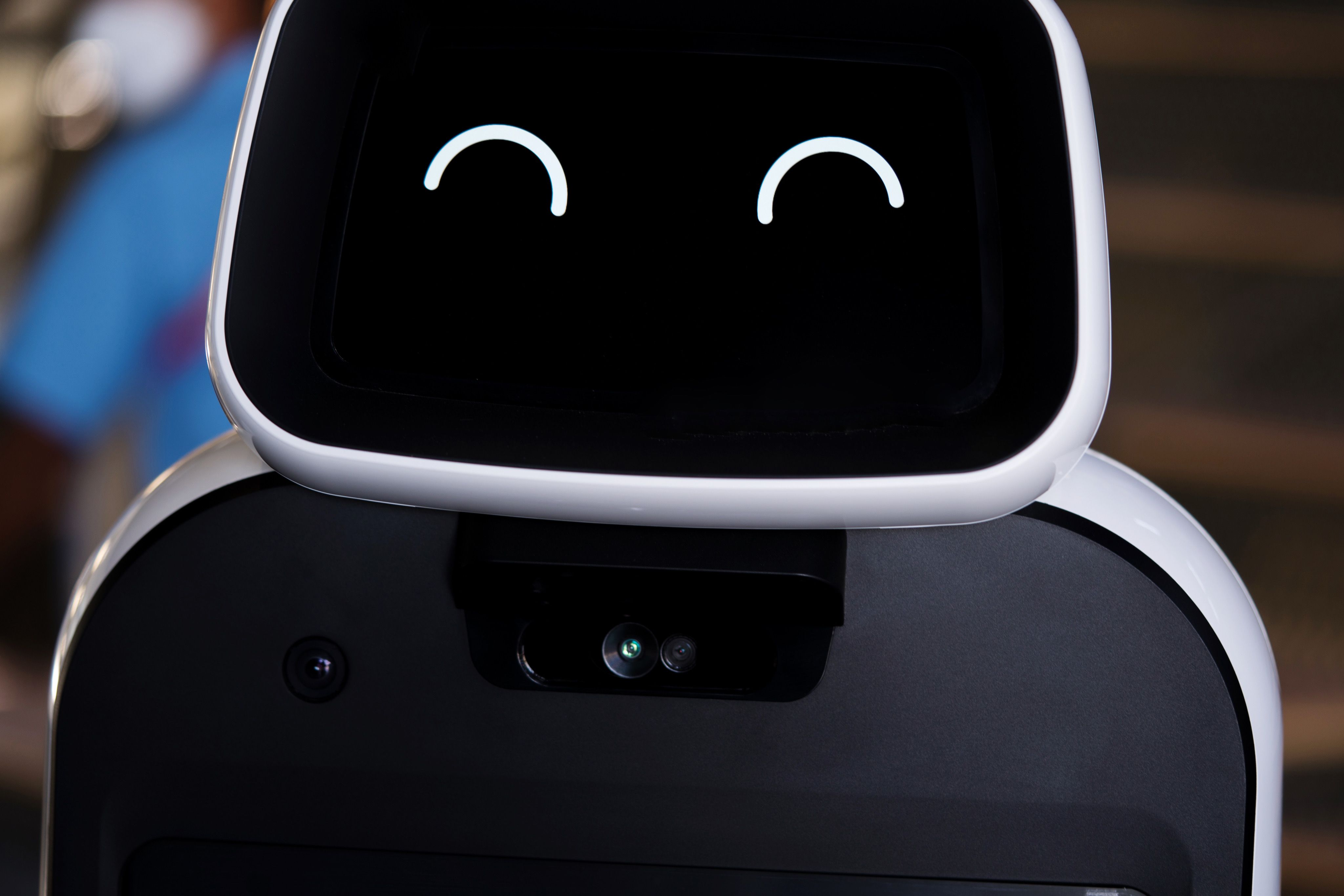
Most people don’t hate chatbots, they hate generic, robotic chatbots. Smart chatbot personalization turns an AI assistant into something that feels helpful, relevant, and human-like, even though it’s clearly software.
At Anablock, we focus on personalization that enhances user experience without being creepy or overcomplicated. Here’s how adaptive AI and thoughtful conversational design can transform your chatbot.
Use Context, Not Just Keywords
Basic bots respond to isolated phrases. Personalized bots use context:
- Recognize returning users via authenticated sessions
- Remember what was asked earlier in the conversation
- Tailor responses based on account type, plan, or language
This makes the bot feel like it’s paying attention, not restarting every time the user sends a message.
Adapt to User Goals and Segment
Different visitors come to your site for different reasons. You can personalize:
- New visitors: guided tours and product overviews
- Existing customers: quick access to support, billing, and account info
- Partners or resellers: dedicated information paths
Adaptive AI can infer intent from page context (pricing, docs, dashboard) and behavior, then adjust flows accordingly.
Personalize Tone and Detail Level
Good conversational design means matching communication style to the user:
- Technical users may prefer concise, detail-heavy responses
- Non-technical users may need more explanation and reassurance
- Executives may want summaries and impact, not step-by-step guides
You can tune prompts and response styles to adjust detail level and tone based on what you know about the user.
Recommend Next Best Actions
Personalization isn’t just about how the chatbot talks, it’s also about what it offers next:
- Suggest relevant docs based on the current question
- Propose a demo if a user asks advanced buying questions
- Trigger onboarding tips based on where the user is in their journey
This keeps the user experience focused and helpful rather than random.
Respect Privacy and Boundaries
Effective chatbot personalization always respects:
- Consent (logged-in vs anonymous behavior)
- Data minimization (only use what you need)
- Clear communication about what data is used and why
Human-like doesn’t mean invasive. It means supportive.
Want an AI chatbot that feels tailored to each user, not copy-paste?
👉 Explore personalized chatbots with Anablock: https://www.anablock.com/schedule-demo