- Published on
Understanding Model Context Protocol (MCP): The Integration Layer That Saves You Thousands of Lines of Code
- Authors

- Name
- Anablock
AI Insights & Innovations
Understanding Model Context Protocol (MCP): The Integration Layer That Saves You Thousands of Lines of Code
If you're building AI applications with Claude, you've probably hit the wall of integration complexity. Every new data source means writing schemas, implementing functions, handling authentication, and maintaining it all as APIs evolve. Model Context Protocol (MCP) changes this entirely.
What is MCP?
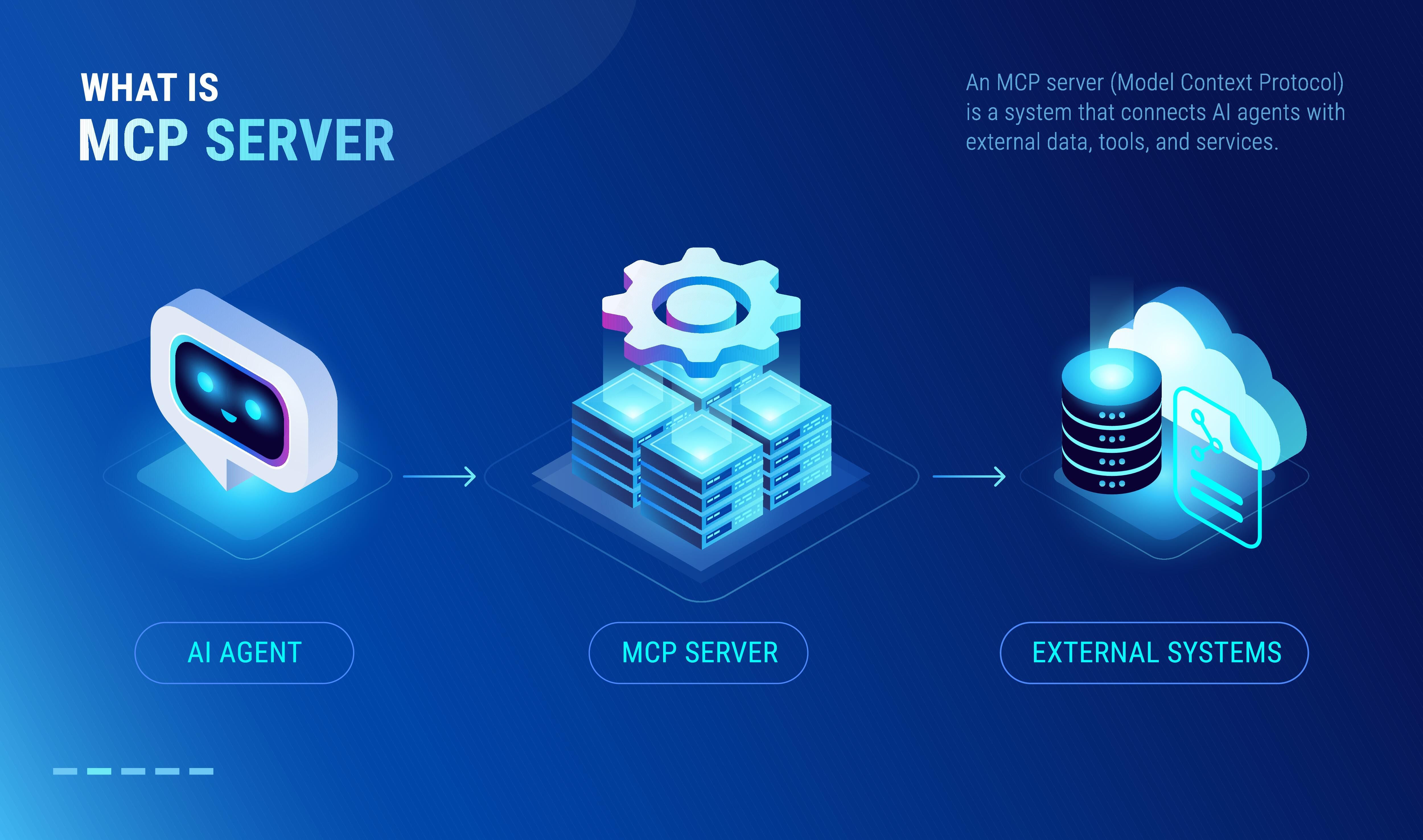
Model Context Protocol is a communication layer that provides Claude with context and tools without requiring you to write tedious integration code. Think of it as a way to shift the burden of tool definitions and execution away from your server to specialized MCP servers.
When you first encounter MCP, you'll see diagrams showing the basic architecture: an MCP Client (your server) connecting to MCP Servers that contain tools, prompts, and resources. Each MCP server acts as an interface to some outside service—GitHub, Salesforce, Google Drive, or any other platform.
Understanding MCP Through a Real Example
Let's say you're building a chat interface where users can ask Claude about their GitHub data. A user might ask:
"What open pull requests are there across all my repositories?"
To answer this, Claude needs tools to access GitHub's API.
Without MCP
You'd need to create all the GitHub integration tools yourself. This means writing schemas and functions for every piece of GitHub functionality you want to support:
list_repositoriesget_pull_requestscreate_issuelist_commitsget_repository_statssearch_codemanage_branches- ...and dozens more
Each tool requires both a schema definition and a function implementation. This represents hundreds or thousands of lines of code that you have to write, test, and maintain as a developer.
The Tool Function Problem
GitHub has massive functionality—repositories, pull requests, issues, projects, workflows, and much more. To build a complete GitHub chatbot, you'd need to author an incredible number of tools, each with:
- JSON schema defining parameters, types, and descriptions
- Function implementation handling API calls, authentication, error handling
- Response parsing to format data for Claude
- Ongoing maintenance as GitHub's API evolves
This is exhausting, repetitive work that takes you away from building your actual application.
How MCP Solves This
MCP shifts the burden of tool definitions and execution from your server to MCP servers. Instead of you writing all those GitHub tools, they're authored and executed inside a dedicated MCP server.
The MCP server acts as a wrapper around GitHub's functionality, providing pre-built tools that you can use without having to implement them yourself.
The Architecture Shift
Traditional approach:
Your Server → Define tools → Implement functions → Call GitHub API → Return to Claude
MCP approach:
Your Server → Connect to GitHub MCP Server → Tools already defined and implemented
MCP servers provide access to data or functionality implemented by outside services. They package up complex integrations into reusable components that any application can connect to.
Common Questions About MCP
Who Authors MCP Servers?
Anyone can create an MCP server implementation. Often, service providers themselves will make their own official MCP implementations. For example:
- AWS might release an official MCP server with tools for their various services
- Salesforce could provide an MCP server for CRM operations
- Google might offer MCP servers for Workspace, Analytics, and Cloud Platform
The community can also build MCP servers for popular services, creating a growing ecosystem of ready-to-use integrations.
How is MCP Different from Direct API Calls?
MCP servers provide tool schemas and functions already defined for you. If you call an API directly, you're responsible for:
- Writing the tool schema
- Implementing the function
- Handling authentication
- Parsing responses
- Managing errors
- Keeping up with API changes
With MCP, all of this is done for you inside the MCP server. You just connect and use the tools.
Isn't MCP Just Tool Use?
This is a common misconception. MCP servers and tool use are complementary but different concepts.
- Tool use is Claude's ability to call functions you define
- MCP is about who does the work of creating and maintaining those tools
With MCP, someone else has already written the tool functions and schemas for you—they're packaged inside the MCP server. You get the benefits of tool use without the implementation burden.
The Key Insight
MCP servers provide tool schemas and functions already defined for you, eliminating the need to build and maintain complex integrations yourself.
Instead of spending weeks building a GitHub integration, you connect to a GitHub MCP server and immediately have access to dozens of pre-built, tested, maintained tools. This lets you focus on your application logic rather than integration plumbing.
Real-World Impact
Consider building a sales assistant that needs to:
- Search CRM contacts (Salesforce)
- Read emails (Gmail)
- Access company documents (Google Drive)
- Pull market data (financial APIs)
- Generate images (DALL-E)
Without MCP: You'd write thousands of lines of integration code across five different services.
With MCP: You connect to five MCP servers and have all the tools ready to use immediately.
Getting Started with MCP
The MCP ecosystem is growing rapidly. To start using MCP in your applications:
- Identify the services your application needs to integrate with
- Find or build MCP servers for those services
- Connect your MCP client to the servers
- Start using the tools without writing integration code
MCP represents a fundamental shift in how we build AI applications—from writing integrations to composing them. It's the difference between building every tool from scratch and having a toolbox ready to go.
The bottom line: MCP saves you from writing, testing, and maintaining thousands of lines of integration code. It lets you focus on building great AI experiences instead of wrestling with API documentation.